Dispatchers use several digital tools to keep freight moving, from finding the next load to getting delivery paperwork to billing.
A broker offers a load at a good rate, but the truck is still unloading 90 miles from the pickup. Before accepting, dispatch has to account for the empty miles to the pickup, the driver’s available driving hours and the pickup and delivery appointments. Once booked, the shipment involves instructions, tracking updates, paperwork, and billing details, often spread across several applications.
Truck dispatcher software organizes that work, ranging from a scheduling tool to a transportation management system (TMS) connecting operations with customer records, documentation, and accounting.
A carrier uses a load board to find freight, then manages the booking through its dispatch system. Routing tools help plan the trip, and a connected mobile app lets the driver receive instructions and upload delivery paperwork to the load record.
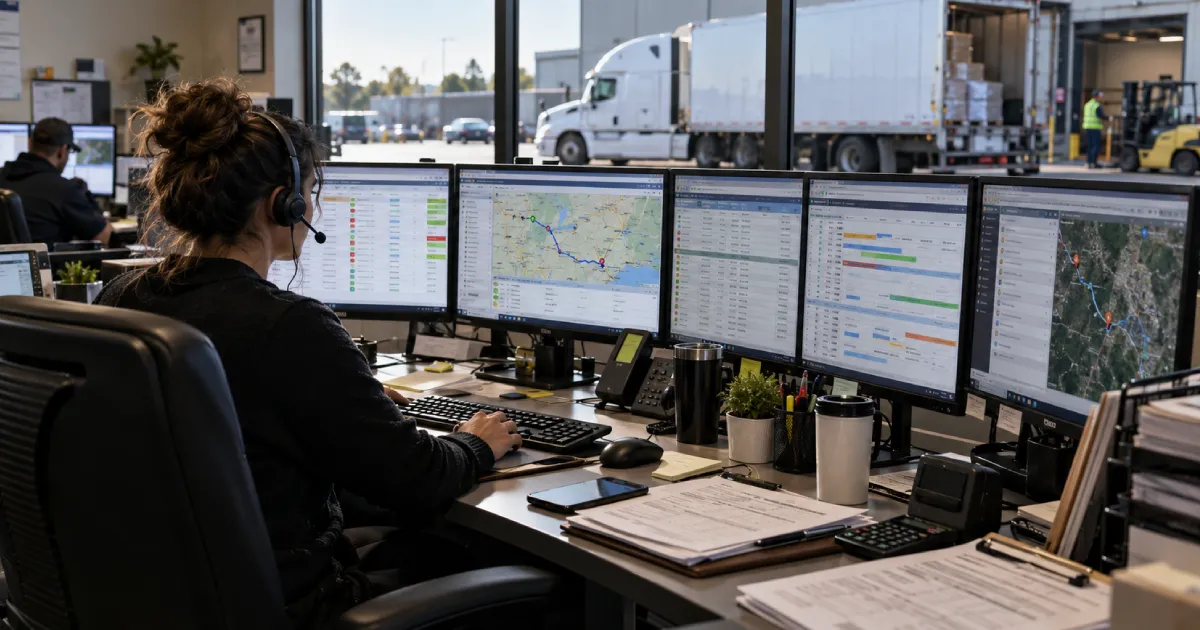
Truck dispatching software keeps each load’s assignments and delivery requirements in one record. When an appointment changes or another truck takes over, dispatch updates that record so the team works from the revised plan.
For an eight-truck fleet, an afternoon shift change could involve two pickups, an unloading delay, and a reassignment following a breakdown. With assignments, appointments, messages, and shipment status recorded together, the incoming team picks up the work without reconstructing every conversation.
The paperwork follows the same record. A rate confirmation establishes the agreed payment and shipment terms, while arrival and departure records help support detention requests when waiting exceeds the agreed allowance. After delivery, billing uses the signed receipt and any approved additional charges to prepare the invoice.
Dispatch management software coordinates the central workflow, alongside specialized tools for freight searches, route planning, accounting, and driving records from electronic logging devices (ELDs).
Using separate applications means transferring information between them. A booking found on a load board becomes an assignment in the central system, and the instructions are then sent to the driver. If the broker changes an appointment afterward, the revised appointment has to appear in the dispatch system and the driver’s instructions. Otherwise, the office sees one schedule while the driver follows another.
A load board connects carriers with available freight. Load management tools organize booked shipments, and a TMS connects that work with company-wide operations and accounting.
A TMS covers the broader operation, bringing together planning, dispatch, tracking, customer and carrier records, documentation, billing data, and reporting. Integrations extend that workflow into other transportation systems.
McLeod’s LoadMaster, for example, combines dispatch and accounting functions with document tools and connections to communications and telematics providers.
Load management software concentrates on individual shipments, organizing status, locations, appointments, assignments, broker contacts, documents, revenue, and costs. Many TMS platforms already include this functionality.
Recording revenue and costs against each shipment lets the carrier compare completed loads. Two trips with the same agreed rate can produce different margins once empty mileage and additional expenses are included.
Carriers use DAT and Truckstop to find freight posted by brokers. Once a shipment is booked, dispatch assigns the truck, confirms the pickup details, and tracks the shipment through delivery. The agreed rate and operating instructions remain attached to the shipment record.
These functions often sit within the same platform. A carrier using a TMS with built-in load management already has a place to organize booked shipments, although freight searches and navigation may still run through separate services.
A receiver moves a delivery appointment an hour earlier while the truck is already en route. Dispatch has to check whether the new arrival is achievable and send the revised instructions to the driver before the driver continues with the original plan.
The warehouse’s street address isn’t always its receiving entrance. Sending a vehicle to the front gate can mean a long detour around the property, particularly when access roads restrict commercial traffic. Routing and dispatch software helps dispatchers plan routes around those access restrictions. It calculates mileage and organizes the stop sequence, allowing dispatch to compare arrival estimates against appointments. The shortest route still requires checking against vehicle dimensions and road restrictions.
Available driving hours affect the schedule too. Hours of Service rules limit driving and on-duty time, so a plan has to allow for required rest as well as loading delays. Customer instructions add another constraint, such as a delivery gate that closes before the warehouse itself.
With a connected truck dispatch app, the revised appointment appears alongside the load instructions. Drivers report pickup and delivery status updates through the same interface, giving the office real-time visibility into the truck’s progress.
After unloading, the driver uploads the signed proof of delivery through the connected app, attaching it to the load record so billing staff can retrieve it without chasing an email.
If the system marks a truck as available when its scheduled unloading time ends, it could recommend another pickup even though the vehicle is still waiting for a dock. Dispatch checks the actual unloading status and updates availability before confirming the next assignment. If another pickup is already booked, the dispatcher contacts the broker to discuss the delay.
Automated dispatch software reduces routine administration by entering shipment data and sending scheduled updates. Some systems also recommend load matches or routes. Document processing makes delivery paperwork available to billing, with alerts drawing attention to missing records or overdue activity.
Those recommendations require review against the actual operation. A refrigerated shipment rules out a dry van immediately, whereas an attractive rate paired with a tight delivery window requires a closer look at the driver’s available hours.
An independent dispatcher handling a few trucks needs to see which vehicles are available and what’s booked next without searching through separate records. Keeping instructions and delivery paperwork with each load saves a small carrier from searching messages and email attachments whenever a driver calls or an invoice is due.
Larger teams share that work across shifts. Their dispatch software requires user permissions and reporting, plus integrations that carry updates between departments. Recording who changed an assignment helps the next shift resolve discrepancies without calling everyone involved.
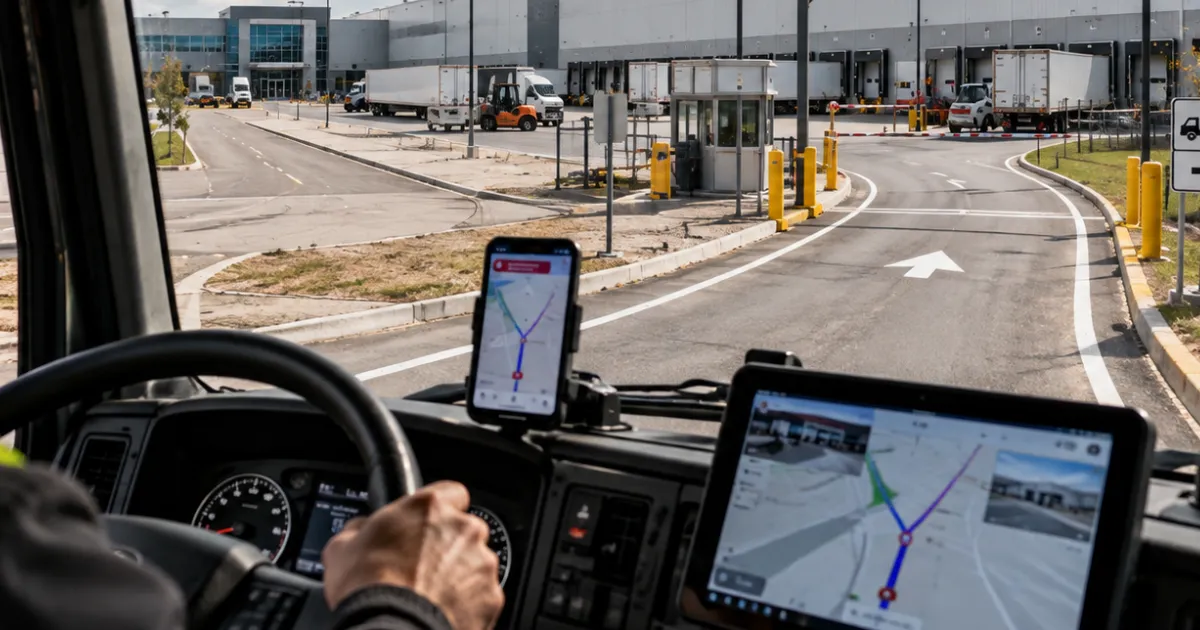
Bring the details of a completed load to the demo, including its paperwork and any changes made after booking. Ask the vendor to run it through the system. Having to enter the same pickup details on three screens reveals more about daily use than a feature count.
Choosing truck dispatcher software starts with the operation itself. A broker books outside carriers. A carrier assigns its own equipment, and an independent dispatch service handling several clients has to keep each client’s records separate.
When several dispatchers share a schedule, the system should show who changed an assignment and let the company control who can edit rates. An owner handling bookings alone has less use for those permission settings.
A basic truck dispatch app supports assignments and updates. A full transportation management system also handles accounting and reporting. During the demonstration, check whether billing staff receive the shipment details entered by dispatch or have to type them in again.
Then open the assignment on the driver’s phone and upload a delivery receipt to check that it reaches the correct load. For route planning, review how the system displays the driver’s remaining hours from the connected electronic logging device. Include customs paperwork in the demonstration if the company runs Canada–U.S. freight.
Change the agreed rate and check that the invoice reflects the updated amount. Ask the vendor to demonstrate a customer notification. If the system offers a load board integration, ask the vendor to show how booking details transfer into the dispatch record.
Before purchasing, establish who will transfer existing records into the system and train the dispatch team. Confirm what support is available when staff begin using the system for live bookings.
Knowing where to enter a rate doesn’t tell a new dispatcher whether the load is worth taking. That decision includes the empty miles to the pickup and where the vehicle will end up after delivery.
A well-paid outbound shipment could leave the carrier facing a long return trip with few available loads. The booking screen will accept it either way.
At MAZE Consultancy & Training, our truck dispatcher training course covers load selection and rate negotiation alongside freight brokerage. These subjects help participants assess a booking before committing equipment. Training on Hours of Service and logbooks shows how available hours affect the schedule.
We cover documentation and customs-related processes, including their place in cross-border transportation. Participants planning their own operation also study business setup.
Our training combines access to logistics software with live instructor interaction. During exercises, participants receive feedback on their work and individual guidance when they get stuck. They can ask an instructor to explain an unfamiliar document or walk through a step again.
Truck dispatching software keeps the load record organized. When pickup runs late, the dispatcher still has to assess the next appointment, contact the broker, and give the driver revised instructions. Those decisions require knowledge of transportation operations.
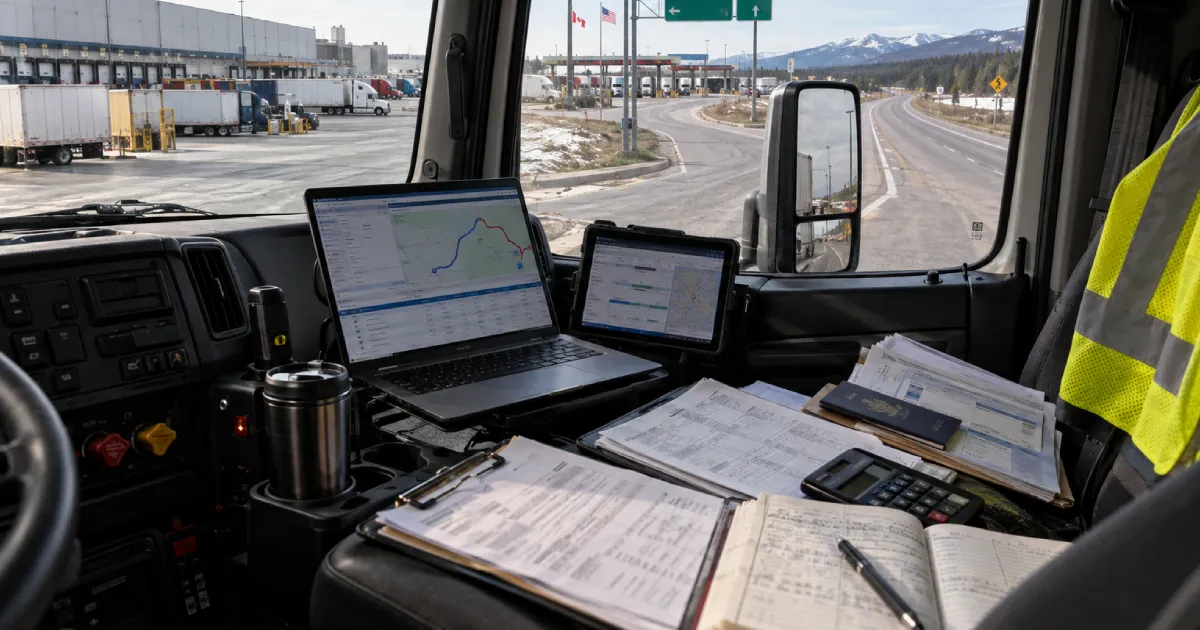
Start with your fleet size, then consider the number of users, customers, and departments that will work in the system. A small carrier usually focuses on assignments, document access, and tools to communicate with drivers. A larger operation typically requires fleet management, accounting connections, reporting, and separate permissions for dispatchers and managers. List the records your team maintains now, then check whether the proposed system replaces those steps or simply adds another screen.
Fleet management gives dispatchers an up-to-date view of equipment, availability, maintenance status, and current assignments. That information helps prevent a truck from receiving a new load before it completes its previous assignment. It also supports planning when equipment changes, a driver calls in sick, or a breakdown forces a reassignment. The value comes from keeping operational information current, since outdated availability creates bad decisions even in a well-designed system.
Compliance features organize records needed to meet operating requirements, internal reviews, and customer demands. The relevant records include driver hours, shipment documents, inspection records, insurance information, and cross-border paperwork. Confirm which of these records the software stores, who has permission to edit them, and how long they remain available. A product labeled as trucking software does not automatically cover every compliance task your operation handles.
For a small carrier, a software solution earns its place when it streamlines daily work. Dispatchers should find the next assignment quickly, send instructions to the driver, retrieve delivery documents, and pass accurate information to billing without searching through email. The system also has to remain simple enough for the owner or dispatcher to maintain without a dedicated administrator. A long feature list does not compensate for slow data entry or confusing screens.
Ask which manual tasks the system removes and how the company will measure the result. Useful measures include time spent entering a load, delays in receiving delivery documents, billing turnaround, missed appointment updates, and the number of corrections made after booking. Compare those figures before and after implementation. Productivity improves when dispatchers spend less time searching for information and correcting duplicate records, not simply when the software offers a larger number of features.